
Cloudflare Registrar: At-Cost Domains, Built-In Security, and an API for Automation
A practical guide to pricing, security defaults, registration, transfers, and the Registrar API beta
A practical guide to pricing, security defaults, registration, transfers, and the Registrar API beta
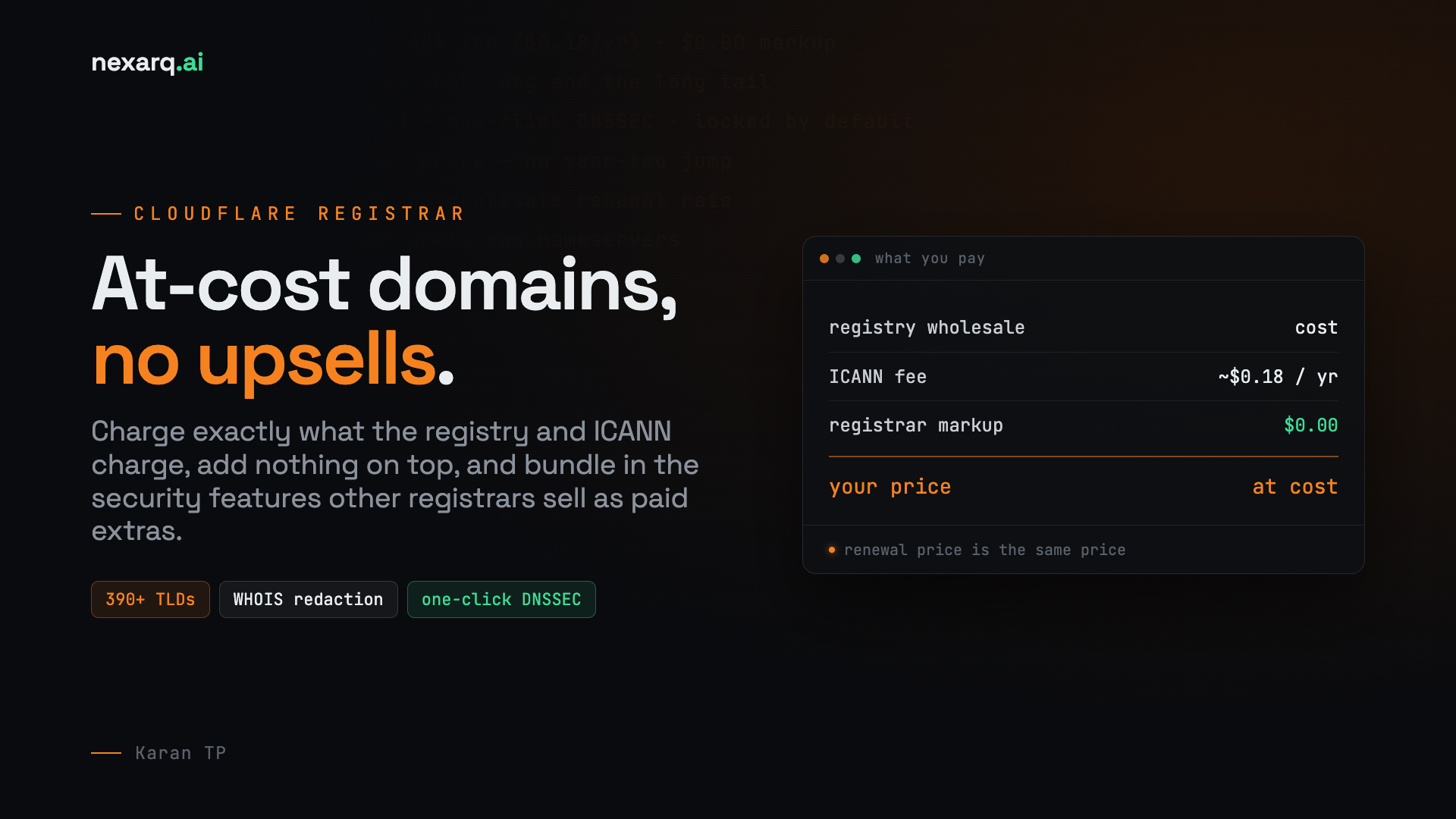
If you've ever registered a domain, you know the drill: a suspiciously cheap first-year price, followed by a renewal invoice that's two or three times higher, followed by a checkout page littered with upsells for "privacy protection," "premium DNS," and half a dozen things that should have been free in the first place. Cloudflare Registrar exists specifically to break that pattern. It's a domain registrar built on a simple premise — charge customers exactly what the registry and ICANN charge Cloudflare, add nothing on top, and bundle in the security features that other registrars treat as paid extras.
This post walks through what Cloudflare Registrar actually is, how its pricing model works, the security and privacy features baked into every domain, how to register or transfer a domain, and where the product's current limitations lie — including its brand-new API.
Cloudflare Registrar is Cloudflare's domain registration service, letting customers register new domains, transfer existing ones in from another provider, and manage their entire domain portfolio from the same dashboard they already use for DNS, CDN, and security. It isn't a bolt-on side business — it's tightly integrated with the rest of the Cloudflare platform, which is both its biggest strength and its one real constraint (more on that below).
The product supports well over 390 top-level domains, spanning the familiar generics like .com, .net, and .org alongside a long tail of newer and country-code TLDs. It does not yet support internationalized domain names (IDNs) — domains using non-ASCII characters like accented letters or non-Latin scripts — so if your brand name needs a Unicode domain, you'll need to look elsewhere for now.
The headline feature is pricing. Most registrars mark up domains to build in a profit margin, then use aggressive renewal pricing to make up for underpriced first-year promotions. Cloudflare takes the opposite approach: it passes through the wholesale price charged by the domain registry (the organization that actually operates a given TLD, such as Verisign for .com) plus the small mandatory ICANN fee — typically around $0.18 per year — and nothing else.
Two things fall out of that model that are worth calling out explicitly. First, registration and renewal prices are identical for most TLDs, so there's no bait-and-switch jump in year two. Second, because Cloudflare isn't padding the price, inbound transfers are billed at the same wholesale renewal rate rather than at an inflated "transfer fee." For domain portfolios with dozens or hundreds of names, that consistency compounds into real savings over a multi-year holding period, even if a handful of competitors occasionally beat Cloudflare's price on a single promotional TLD.

Where a lot of registrars treat security as an upsell, Cloudflare folds it into the base product:
WHOIS/RDAP privacy redaction. Your personal contact information — name, address, email, phone — is automatically redacted from public WHOIS and RDAP lookups at no extra charge, in line with ICANN's privacy guidelines. This is one of the most commonly upsold features at other registrars, so its inclusion here is a genuine differentiator.
One-click DNSSEC. Domain Name System Security Extensions cryptographically sign your DNS records, making it far harder for an attacker to forge DNS responses and redirect your traffic (a class of attack known as cache poisoning or DNS spoofing). Cloudflare lets you enable DNSSEC for a domain with a single toggle in the dashboard rather than the manual key-management dance some registrars still require.
Domain and registrar locks. Locking is enabled by default to prevent unauthorized transfers or nameserver changes — a meaningful defense against domain hijacking, especially for high-value or high-profile domains.
Enterprise-grade protections. For organizations on Cloudflare's Enterprise plan, there's an additional tier of protection: registry lock (which requires out-of-band confirmation before a domain can be modified at the registry level), multi-user confirmation workflows for sensitive changes, and enforced two-factor authentication.
Because every domain on Cloudflare Registrar must use Cloudflare's own nameservers, you also automatically get Cloudflare's DNS, CDN, and SSL/TLS on top — three products that would otherwise need separate signups and, at many providers, separate invoices.

Registering a domain through Cloudflare is a dashboard-driven process:
One nuance worth remembering here: because Cloudflare Registrar doubles as your DNS provider by requirement, you cannot register a brand-new domain with Cloudflare and then point it at a different DNS host later while keeping the registration there. If you need a different DNS provider, Cloudflare Registrar isn't the right home for that domain.
Moving an existing domain in from another registrar is a common on-ramp, and it comes with a few ICANN-mandated rules that are worth knowing up front rather than discovering mid-transfer:
If your current registrar won't allow the nameserver changes Cloudflare requires — a situation that occasionally comes up with certain locked-down hosting-bundled registrars — there's a documented workaround: transfer the domain to an intermediate registrar that does allow nameserver changes, point it at Cloudflare's nameservers there, wait out the 60-day ICANN lock, and then complete the transfer into Cloudflare Registrar itself. It's a slower path, but it exists precisely because Cloudflare's "DNS must live here" requirement can otherwise be a dead end for a subset of domains.

Once a domain lives on Cloudflare Registrar, day-to-day management happens from the "Manage Domains" section of the dashboard. From there you can:
Cloudflare recently opened a beta Registrar API, extending programmatic access to domain registration — and it's aimed squarely at a newer use case: AI coding agents and automated workflows. Because the Registrar API is part of Cloudflare's broader API surface, and that surface is exposed through Cloudflare's MCP (Model Context Protocol) server, an agent working inside a tool like Cursor or Claude Code can discover and call registrar endpoints the same way it calls any other Cloudflare API — no bespoke integration required. In practice, that enables a workflow where an agent scaffolding a new project can search for an available domain, confirm pricing, and register it as part of a single automated session, rather than a human breaking away to a browser tab.

It's worth being clear that this is a first beta release, so the feature set is intentionally narrow for now:
Cloudflare has said it's actively looking for feedback from developers building automation, agents, or multi-tenant platform workflows on top of the beta — a signal that the API's scope is expected to widen over subsequent releases.
Cloudflare Registrar is a strong fit if you're already using (or planning to use) Cloudflare for DNS, and you want predictable, markup-free renewal pricing along with security features — WHOIS privacy, DNSSEC, domain locking — that other providers charge extra for or hide behind an enterprise tier. It's particularly compelling for anyone managing a larger domain portfolio, where avoiding inflated renewals adds up year over year, and for security-conscious teams that want registry lock and multi-user change confirmation available without a separate procurement process.
It's a weaker fit if you need a domain to sit on someone else's DNS — Cloudflare's nameserver requirement is non-negotiable for as long as the domain is registered there — or if you need an internationalized domain name, since IDN support isn't available yet. Very small or hobbyist buyers chasing the absolute lowest possible first-year promo price may also find a handful of other registrars undercut Cloudflare on a specific TLD in year one, even though Cloudflare's renewal pricing usually wins out over a multi-year hold.
For most technically-minded buyers, though, the pitch is straightforward: no markup, no upsells, and a set of security defaults — free WHOIS redaction, one-click DNSSEC, and locking by default — that many competitors still gate behind a paid plan.

No comments yet